

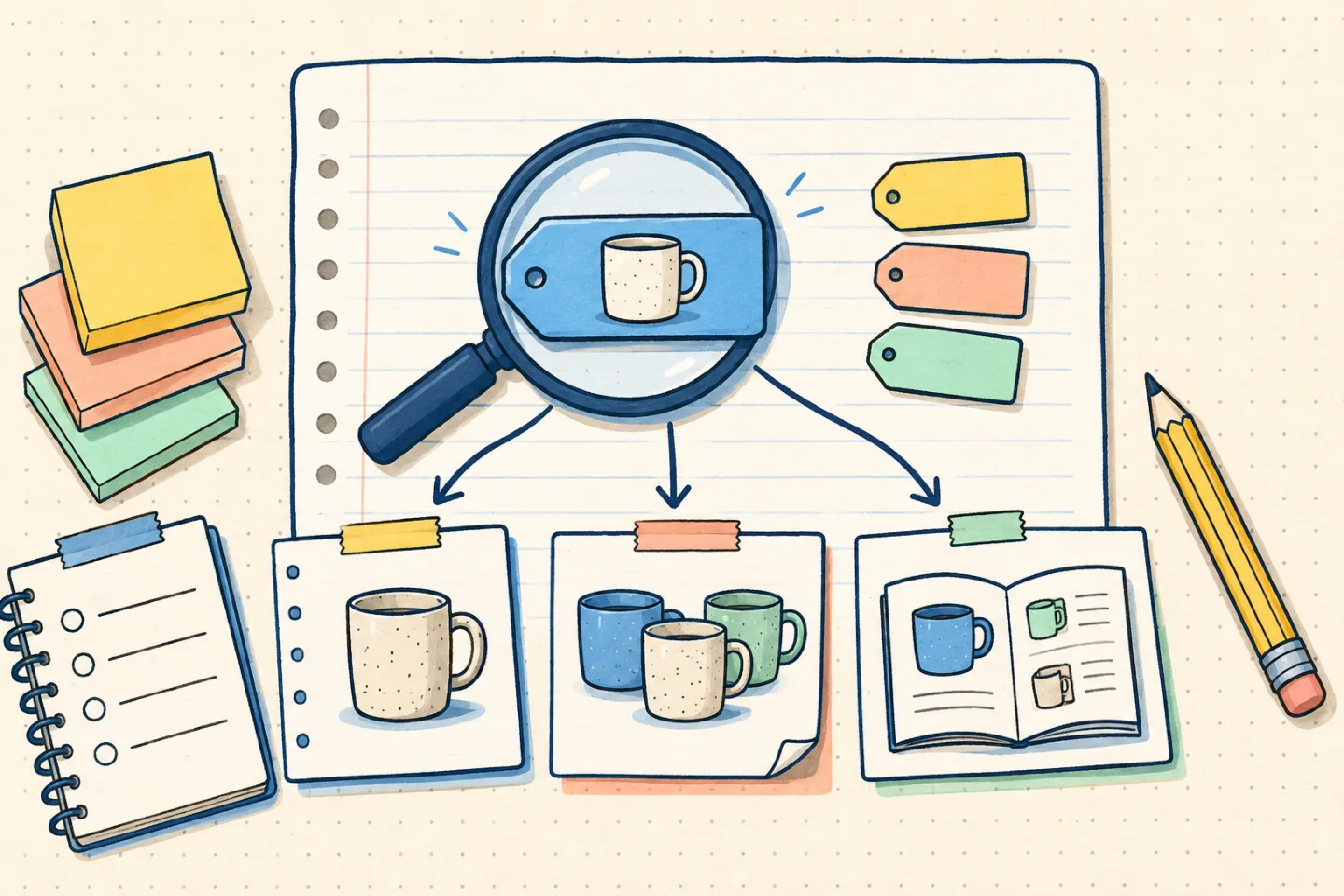
Keywords describe a page’s subject using the language customers use. For an ecommerce site, keyword planning connects product details, category labels and practical guides to different shopping tasks. Begin with what a page helps someone do, then choose wording that expresses that purpose clearly.
What a focus keyphrase does
A focus keyphrase is best treated as a planning label. It helps you decide what question the page should answer and whether the title, introduction, headings, product details, and links support that topic. It is not a command that makes a page rank for the exact phrase.
For an online shop, that distinction matters. A product page should explain the product. A category page should help shoppers compare a group of products. An editorial article should answer a question or provide useful guidance. The keyword should describe that purpose rather than force every page into the same formula.
For further background on organising understandable pages, see Google’s SEO Starter Guide.
Start with the page’s search intent
Start by writing the visitor’s task in one sentence. Someone searching for “running shoes” may want a collection to browse; someone asking “how to choose running shoes” needs a guide. Match the page format to that task before choosing its main phrase.
- Product intent: The visitor is looking for a specific item, model, brand, colour, size, or feature.
- Category intent: The visitor wants to browse or compare a type of product.
- Informational intent: The visitor wants an explanation, guide, comparison, or answer.
- Commercial research intent: The visitor is evaluating options before deciding what to buy.
- Navigation intent: The visitor is trying to reach a known brand, store, or page.
The strongest keyword is usually the one that matches the page you are actually able and willing to create. If the search suggests that people want a comparison but your page only promotes one product, the mismatch will remain even if the phrase appears in the title and SEO fields.
Choose one primary keyword for each page
Give each important page one main topic. That topic may be a single word, but it is often a phrase that captures the product, audience, use case, or question more precisely.
For example, a store might assign these primary topics:
- Category page: women’s waterproof hiking jackets
- Product page: lightweight black rain jacket
- Buying guide: how to choose a waterproof hiking jacket
- Care article: how to wash a waterproof jacket
Do not create separate pages simply to capture tiny variations of the same phrase. If two keywords have the same meaning and would lead to the same useful answer, one strong page may be more coherent than several thin pages. Conversely, create separate pages when the visitor’s task, product group, or expected information is meaningfully different.
Use related terms naturally
After choosing a primary keyword, list the language a real shopper would expect to see around it. These terms might describe materials, dimensions, compatibility, use cases, colours, care instructions, delivery information, or common questions.
For a page about “ceramic coffee mugs,” related language could include capacity, dishwasher-safe, microwave-safe, handle, handmade finish, gift, and everyday use. Only include safety or care claims that the product information supports. You do not need to repeat these phrases mechanically. Use them where they clarify the product or answer a likely question.
Avoid adding a term merely because a tool suggests it. If the phrase does not describe the item or does not belong in the reader’s question, leave it out. Accuracy is more useful than an impressive-looking keyword list.
Place the primary keyword where it helps readers
Use the primary topic in the page title, main heading, introductory copy, and, where appropriate, the title tag and meta description. The wording does not need to be identical in every location. It should remain clear, natural, and consistent with the page.
Keep an established page’s URL stable. Changing its address just to include a keyword can disrupt existing links. For a new page, choose a short, descriptive path that will still make sense if the wording of the heading changes.
Write the meta description as a concise invitation to inspect the page. Describe what is available, who it is for, or what question it answers. Do not promise a discount, delivery time, stock position, guarantee, or feature unless the page and business can support that statement.
For the search-result presentation of page titles, consult Google’s documentation on title links.
Do not confuse plugin scores with SEO quality
SEO plugins often display checks, colour indicators, or numerical scores. These can be useful reminders, but they are not a complete evaluation of a page. A page can satisfy a checklist while still being vague, repetitive, poorly matched to search intent, or unhelpful to shoppers.
Use the plugin to review fundamentals, then read the page as a customer. Can the visitor tell what the product is? Is the intended use clear? Are important limitations or compatibility details visible? Does the category offer a meaningful way to compare products? Does the article answer the question without making the reader search again?
For example, repeating “lightweight rain jacket” will not answer a question about fit. A clear size guide, garment measurements and an explanation of the cut give the shopper something to use. Add those details only when verified; a missing fact is a reason to check the specification, not to guess.
For an editorial quality checklist, see Google’s guidance on helpful, reliable, people-first content.
Build an ecommerce keyword workflow
- Choose the page type. Decide whether you are working on a product, category, landing page, buying guide, comparison, or support article.
- Write the visitor’s question. Describe what the person wants to find, understand, compare, or do.
- Select one primary phrase. Choose wording that accurately represents the page and its audience.
- Collect supporting language. Add relevant attributes, synonyms, subtopics, and questions that belong naturally on the page.
- Review competing page types. Look at the results for the phrase and note whether they are mostly products, categories, guides, or other formats. Do not copy them; use the pattern to check intent.
- Write for usefulness first. Explain the subject clearly, include concrete product or process details, and remove filler.
- Complete the page basics. Check the title, main heading, description, internal links and image alternative text where applicable.
- Review after publication. Look for confusing wording, unanswered questions, duplicate pages, and opportunities to improve the page based on actual customer needs.
Connect pages with useful links
Link a buying guide to the category it explains, and link a product to care guidance when that guidance applies. Use descriptive wording so the destination is understandable before someone clicks. Avoid inserting the same link into every paragraph or adding unrelated destinations just to repeat a phrase.
Its link best-practices documentation supports a practical approach: link related products, categories, and guides where the connection helps the visitor, not simply to add more keyword-rich links.
Check the finished page
Read the title, heading and opening paragraph together. They should describe the same task. Then check whether the body delivers: a category needs useful distinctions between items, a product needs accurate specifications, and a guide needs enough explanation for the reader to take its suggested steps.
Remove repeated keyword variations that add no meaning. If two pages answer the same question, review their purposes before creating more content. Keep separate pages when they serve different needs, such as choosing a material and caring for it, even when they share much of their vocabulary.
After publication, note recurring customer questions and review any available search-query data alongside the page itself. A query may reveal unclear terminology or an unanswered question, but it does not automatically justify a new page. Record the gap, check the facts and make the smallest useful correction.